01
Local agents
Run OpenCode, Claude Code, and Antigravity on-device through a managed Linux runtime. Official CLI executed locally · separate account or provider access required · third-party terms apply.
A native Android workspace for OpenCode, Claude Code, and Google Antigravity. Run your agent on-device, or connect to OpenCode on your computer.
Independent local GUI. Third-party CLIs, accounts, services, and terms are provided and governed by their respective owners.
OPEN SOURCE · ANDCODE SOURCE: MIT LICENSED · BUILT FOR ANDROID
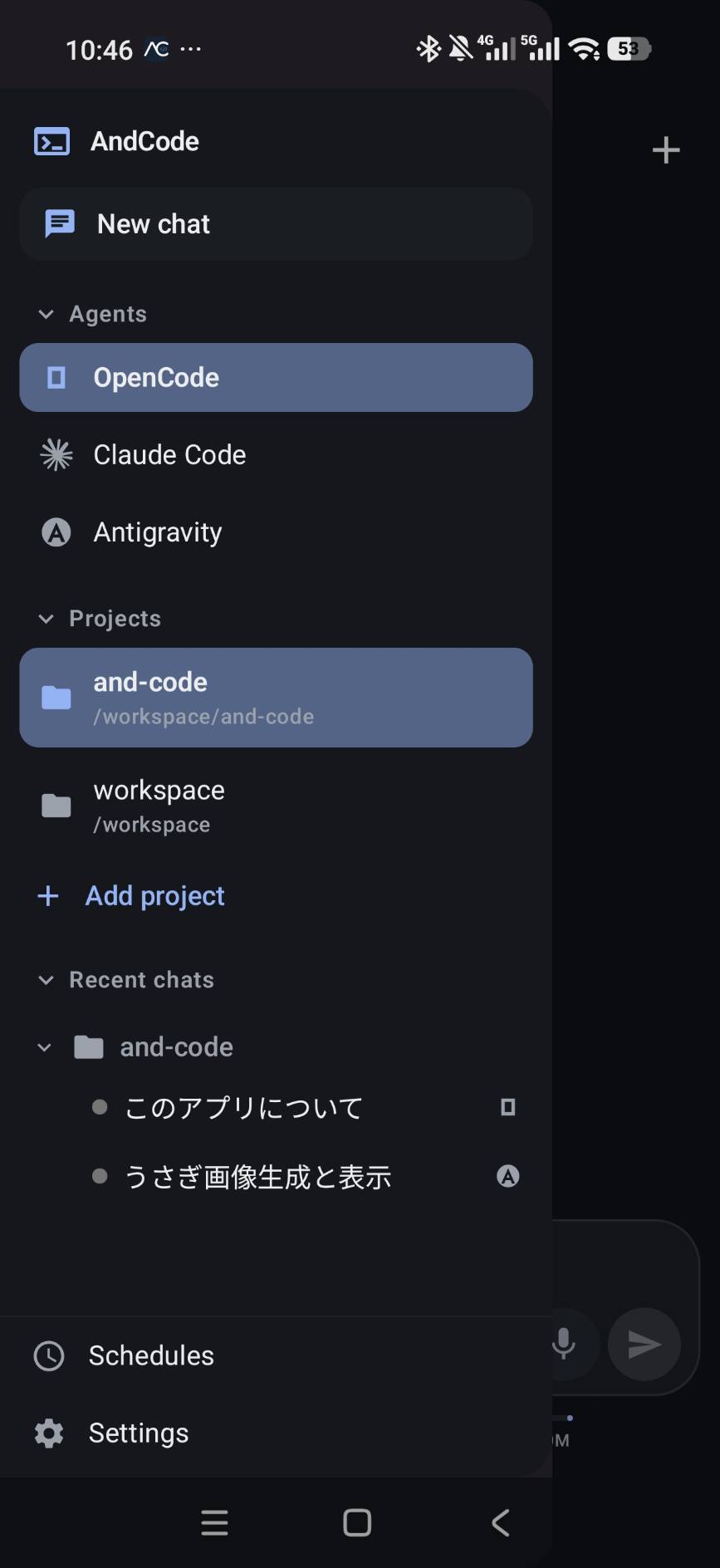
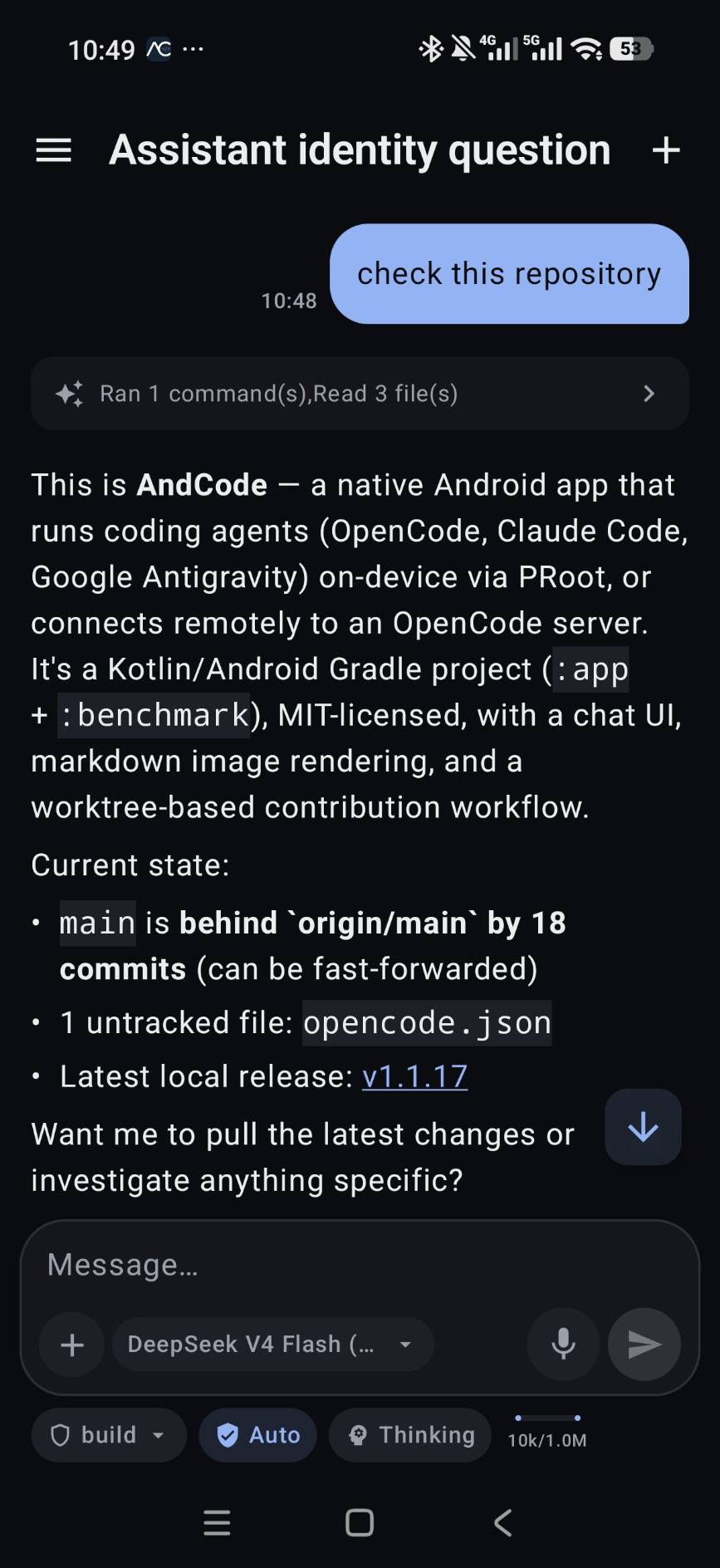
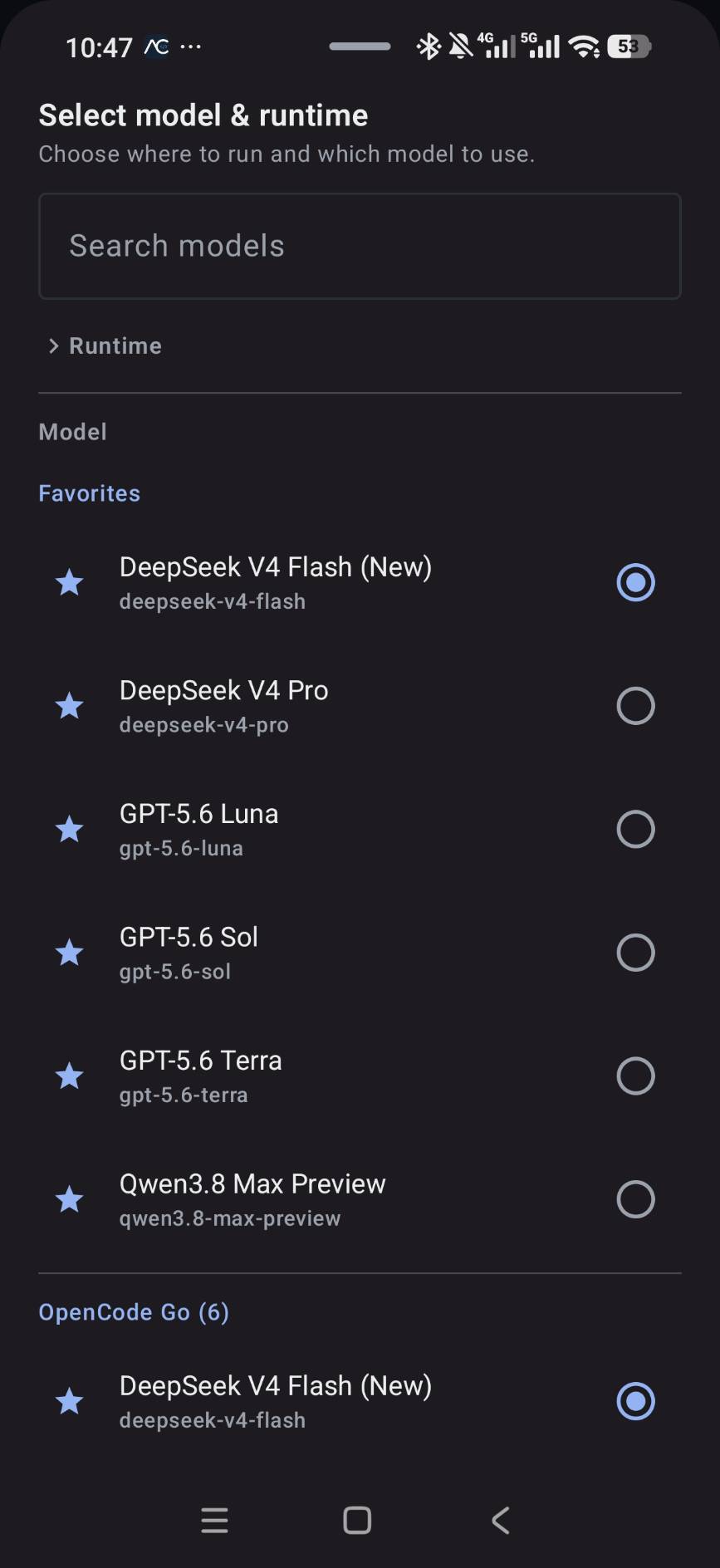
Keep the agent close without giving up control. AndCode brings the parts of an agent workflow you actually need into a touch-first Android UI.
Run OpenCode, Claude Code, and Antigravity on-device through a managed Linux runtime. Official CLI executed locally · separate account or provider access required · third-party terms apply.
Connect to an OpenCode server on your PC, Mac, or Linux machine over your network.
Browse folders, inspect files, and move through projects with a real workspace model.
Stage changes, inspect diffs, commit, and manage branches before you ship.
Review dangerous operations and stay in control of what your agent can do.
Run one-time or recurring prompts and keep a visible history of each run.
Speak into the composer with push-to-talk input and wake word support.
Create, resume, rename, and switch between conversations without losing the thread.
AndCode keeps the working state visible: what the agent ran, what changed, and what needs your approval next.
Use AndCode on its own, or bring the Android front end to the runtime you already use.
Install the latest release from GitHub on your Android device.
Set up an on-device runtime or connect to OpenCode on your computer.
Open a repository, send a prompt, review the work, and keep building.
Open source. Native Android. Ready when you are.